

How to Set Day and Night Wallpapers That Change with a Tap on Your iPhone
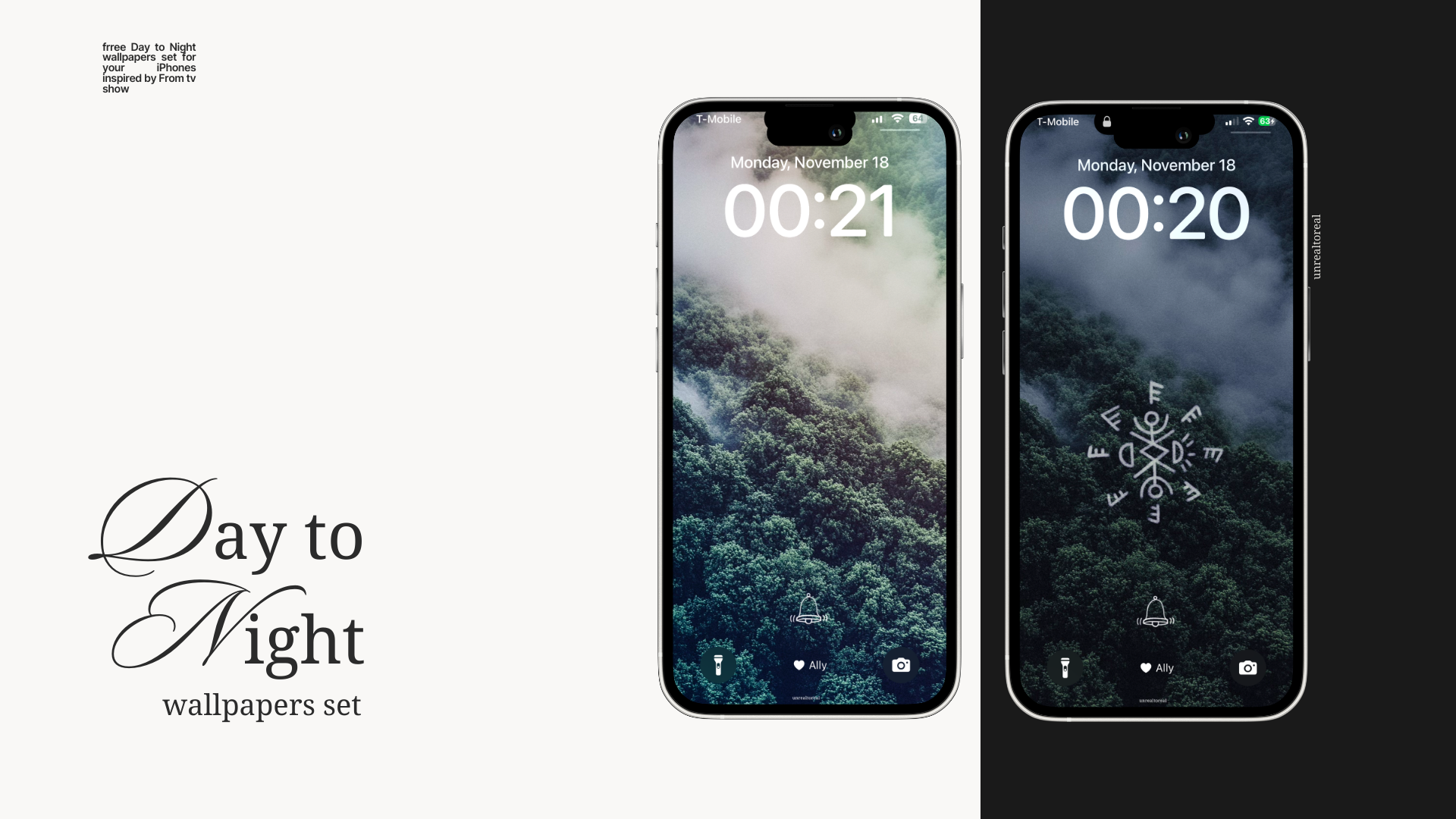
With iOS 18, you can now set two wallpapers—one for the day and one for the night—that switch with a simple tap on your lock screen.
If you’re a fan of the show "From", like I am, you’re going to love this! I’ve created a special Day-to-Night Wallpaper Set inspired by the mysterious and eerie vibe of the series. The best part? You can set these wallpapers on your iPhone and make them switch between day and night with just a tap on your lock screen.
This little iPhone trick is so cool, and I couldn’t wait to share it with you. Plus, the wallpapers are completely free—perfect for customizing your phone and showing off your love for the show.
Even if you haven’t seen the series (seriously, go watch it!), these wallpapers still look amazing. The tap-to-change feature makes your phone feel so much more dynamic and fun.
How to Get Your Free From Inspired Wallpapers
I’ve made it super simple to download these for free:
- Save the images to your Photos app.
- Follow the steps below to set them up as tap-to-change wallpapers.
How to Set Your iPhone to Change Wallpapers with a Tap
This feature is fun, easy to set up, and makes your phone feel way more personal. Here’s how you do it:
Step 1: Open Wallpaper Settings
-
Tap and hold on your current lockscreen to open lockscreen customization menu.
-
Click on the blue "+ add new" button to create a new lockscreen.
Step 2: Choose Photo Shuffle
- Select Photo Shuffle as your wallpaper type.
- Pick the two From wallpapers you downloaded—one for day, one for night.
Step 3: Set Shuffle to “Change with a Tap”
- When prompted, choose Change with a Tap as your shuffle mode.
- Preview how the wallpapers will look.
Step 4: Save and Apply
- Tap Set as Wallpaper Pair to apply them to your lock and home screens.
- Lock your phone, tap the screen, and watch the magic happen!
Download Your Free From Wallpapers Now
I loved creating these wallpapers, and I hope you’ll love using them just as much. They’re completely free, so grab them now and give your phone a little From-inspired flair.
👉 Click here to download the Day-to-Night Wallpaper Set